UX / UI · Mobile App
Finding your way in Glasgow.
Glasgo turns an unfamiliar city into somewhere that feels like home helping the 5,000+ students who arrive in Glasgow each year discover, save and explore with confidence.
The Problem
A new city that's hard to call home.
New students often struggle with the city's layout, social venues and affordable options which slows their integration in those crucial first weeks. Glasgo answers this with a single, accessible guide that connects students to Glasgow's vibrant community.
Navigation
An unfamiliar layout makes everyday journeys feel daunting.
Belonging
Without local connections, the city stays unfamiliar for too long.
Affordability
Hard to find student-friendly deals scattered across the city.
Slow integration
The crucial first weeks pass before students feel settled.
Discovery
Common thoughts on moving to a new city.
Interviews with new and international students surfaced the same anxieties again and again.
The Solution
One companion for student city life.
Discover, save, explore and connect with a reason to keep coming back.
Interactive map
Locate popular spots across Glasgow at a glance.
Curated picks
Social venues, dining and cultural attractions.
Student offers
Exclusive discounts that help newcomers save.
Real-time updates
Stay informed about the latest events.
Gamification
Earn rewards for exploring the city.
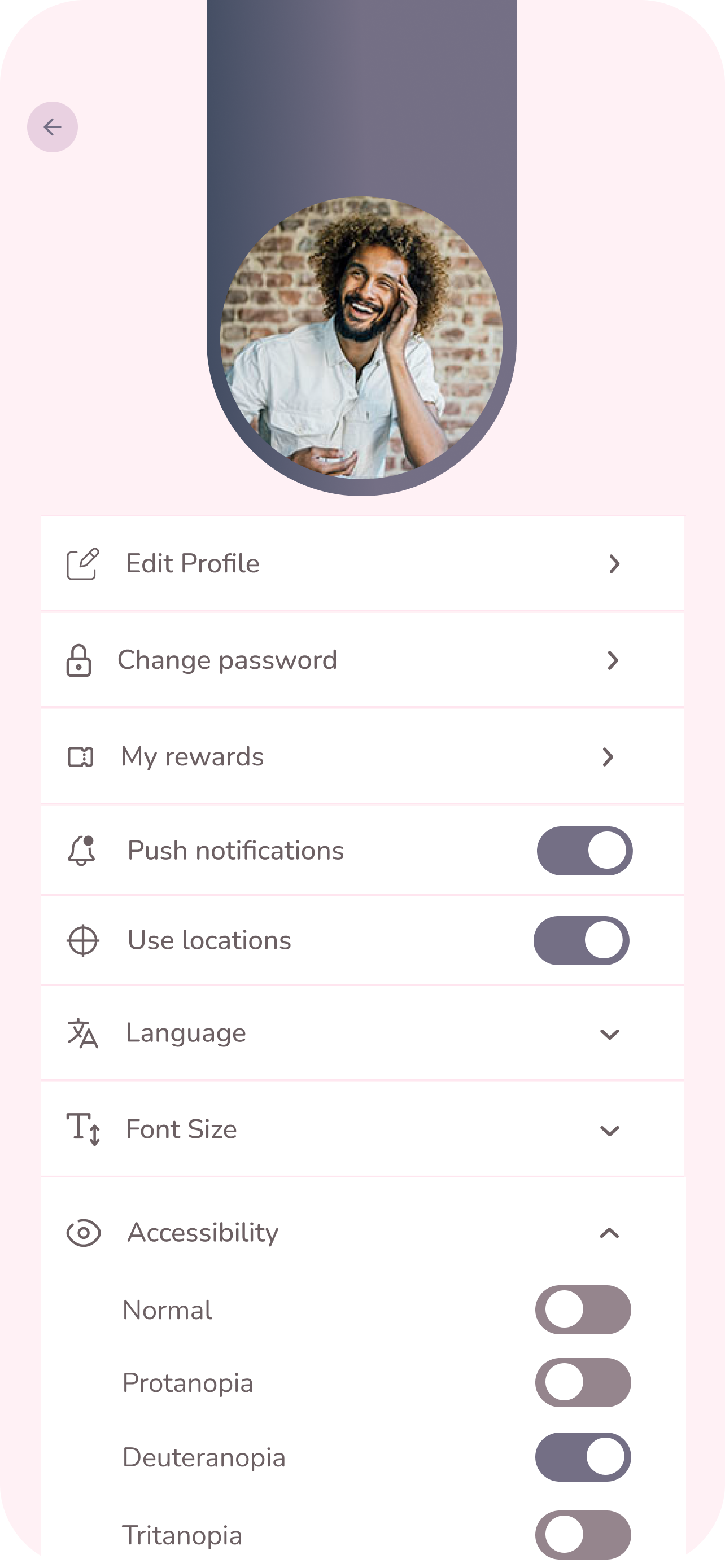
Accessibility
Clear navigation and high-contrast visuals.
Deliver · Design System
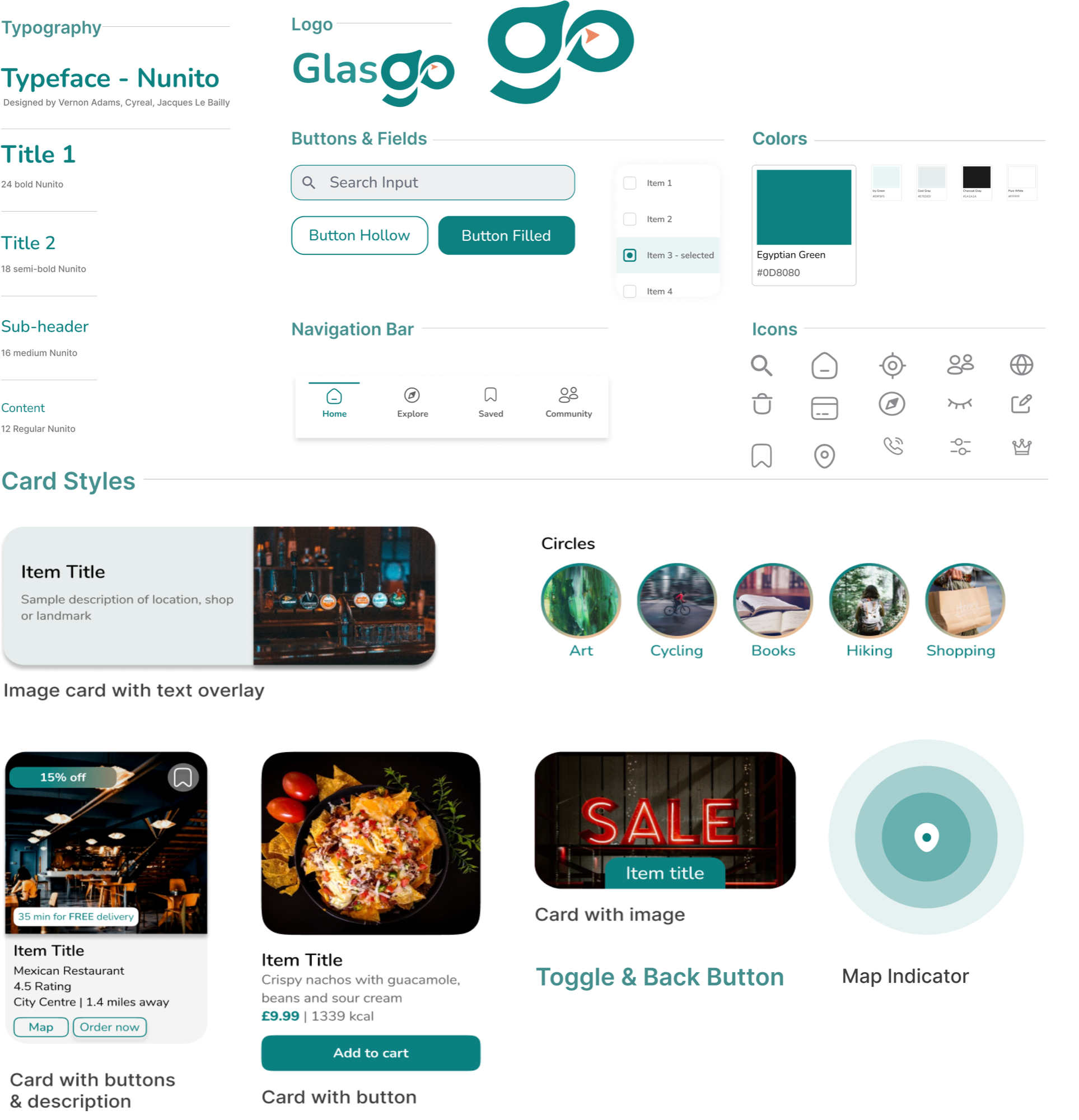
A green-led visual language.
Teal for Glasgow's landscapes, an arrow for navigation, built around the Nunito typeface.
Deliver · The product
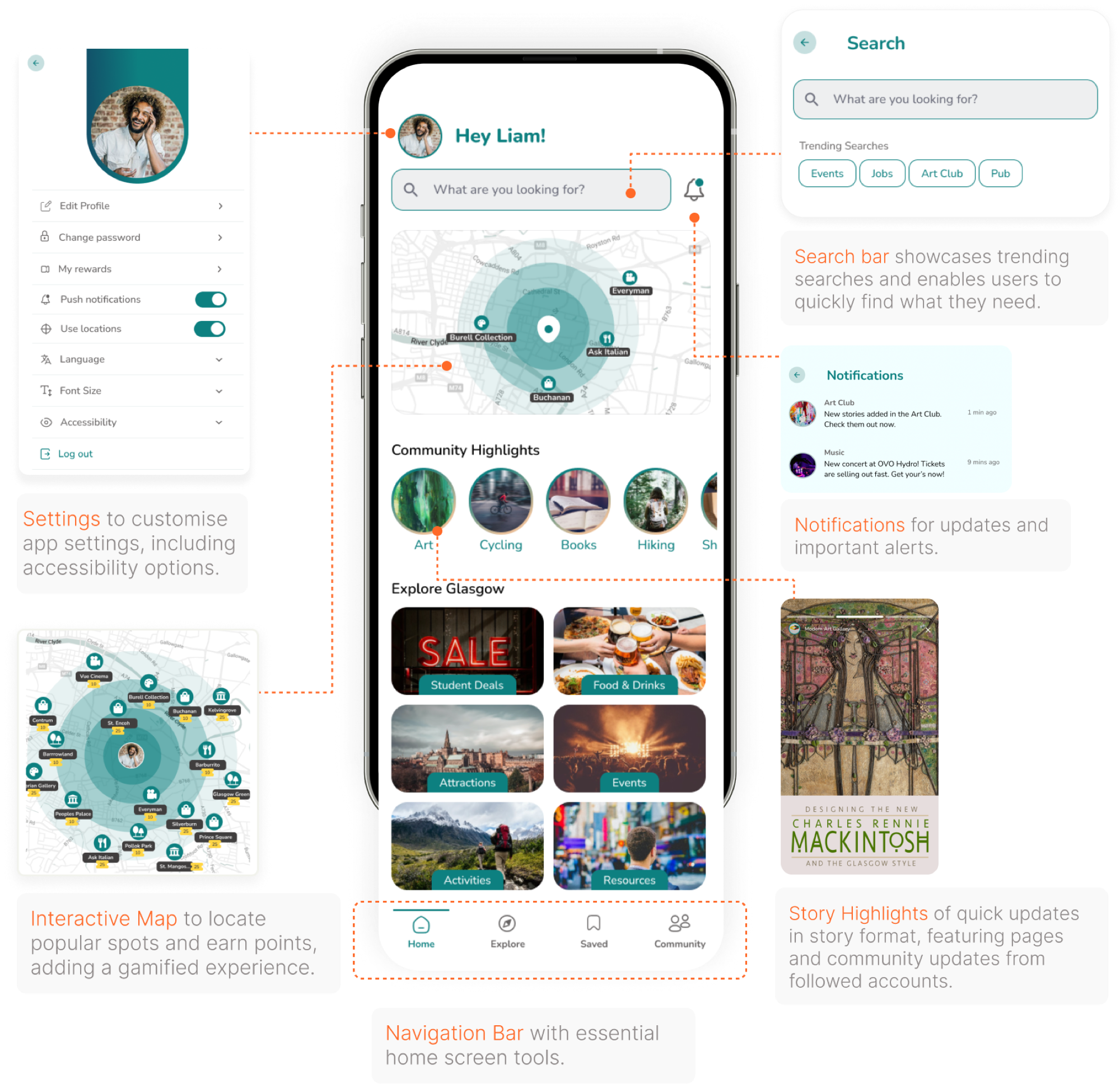
Glasgo, in action.
The final, branded experience screen by screen.
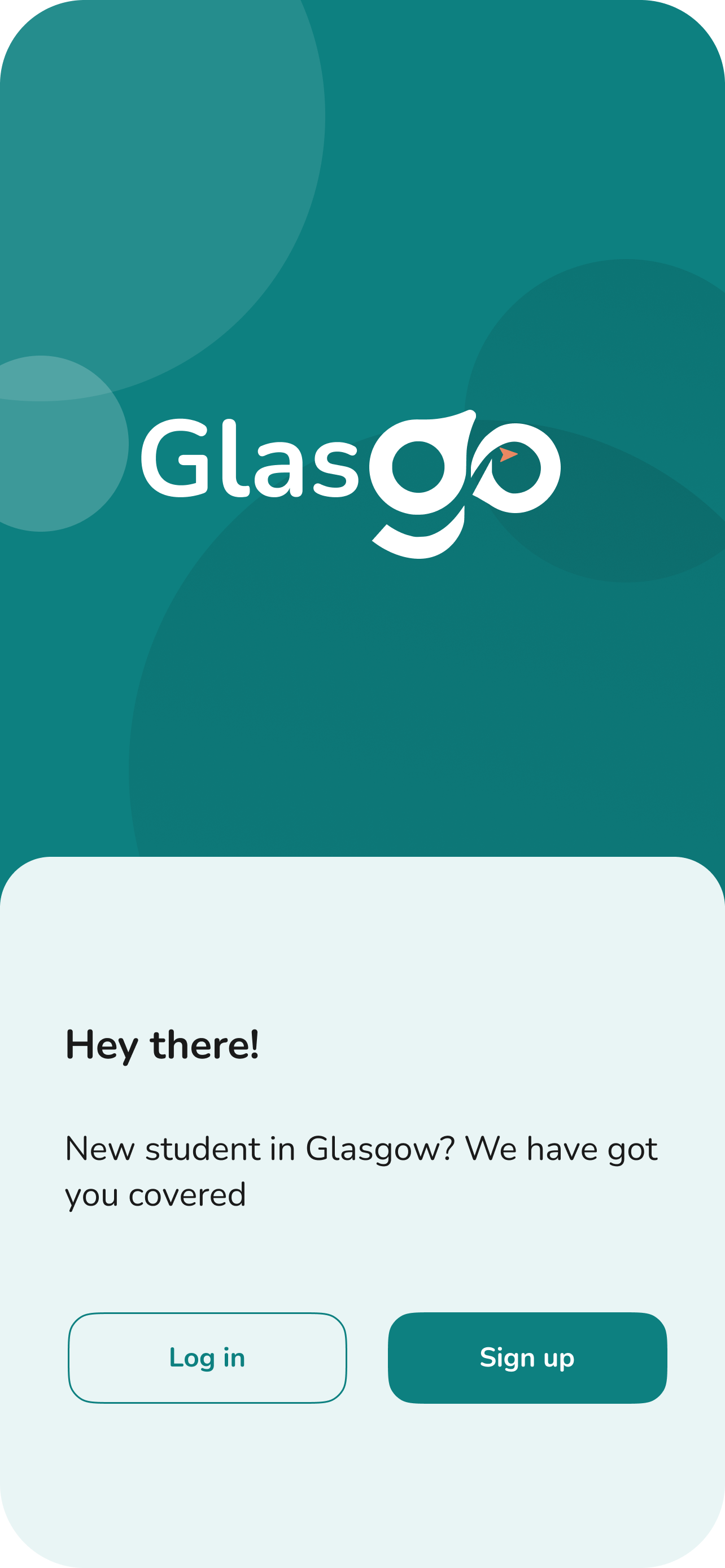
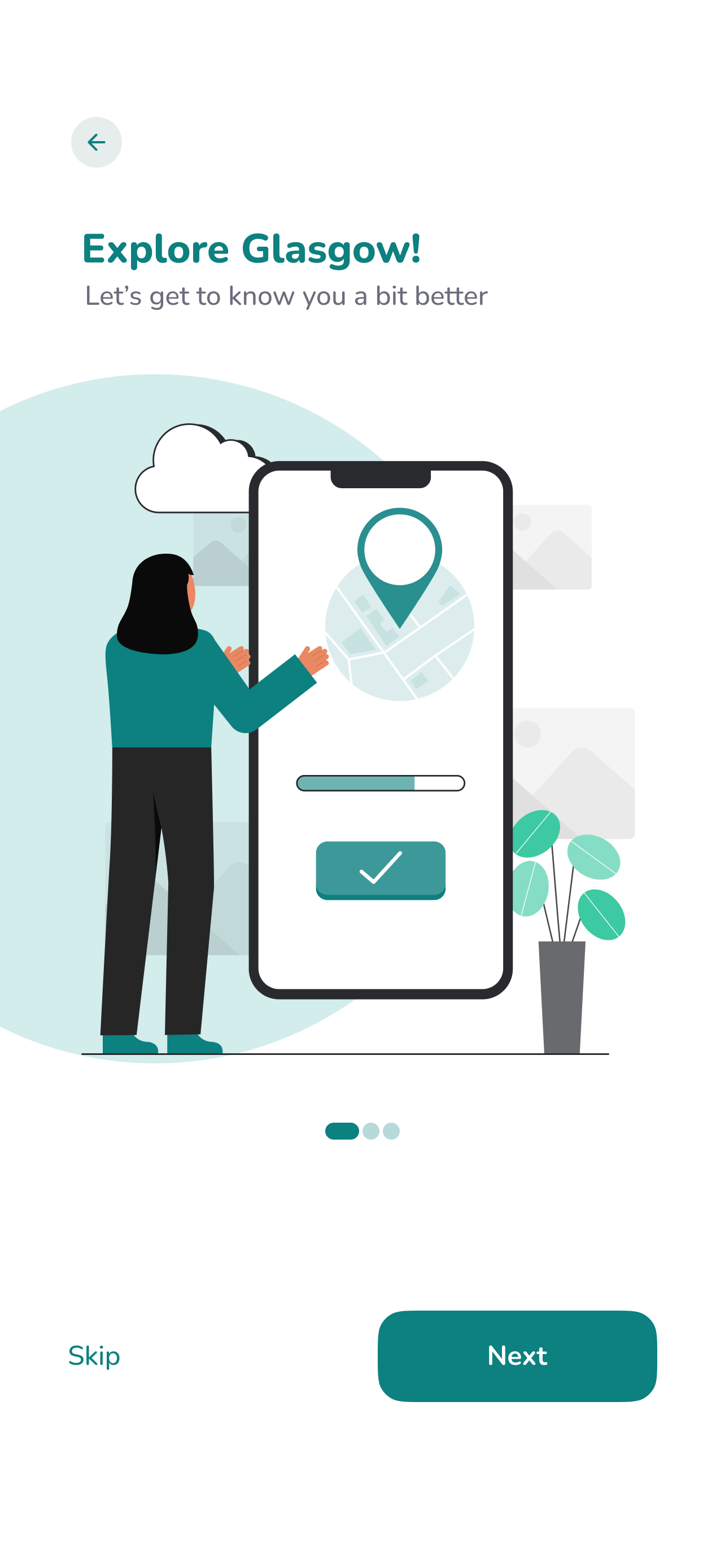
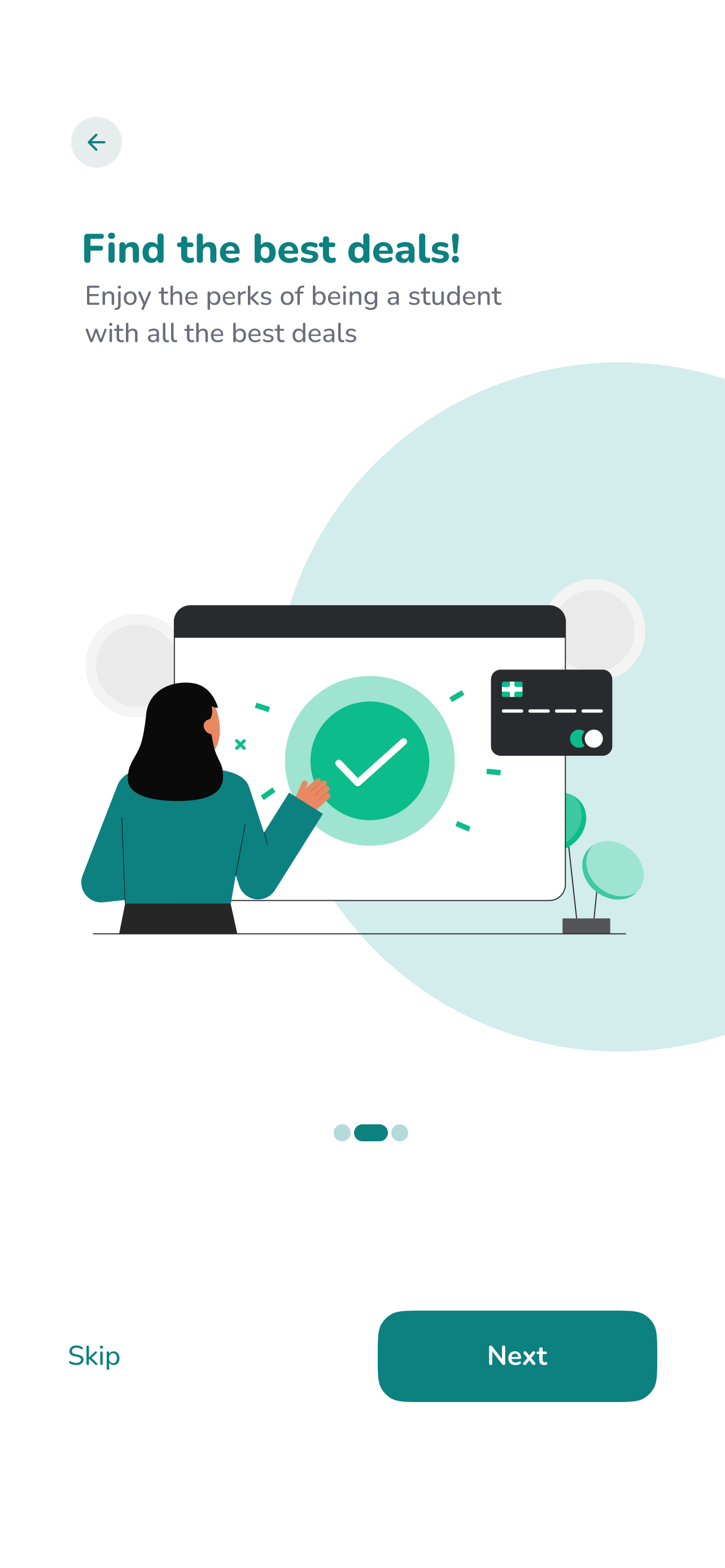
A welcome that feels friendly
Friendly screens that get students set up in moments.
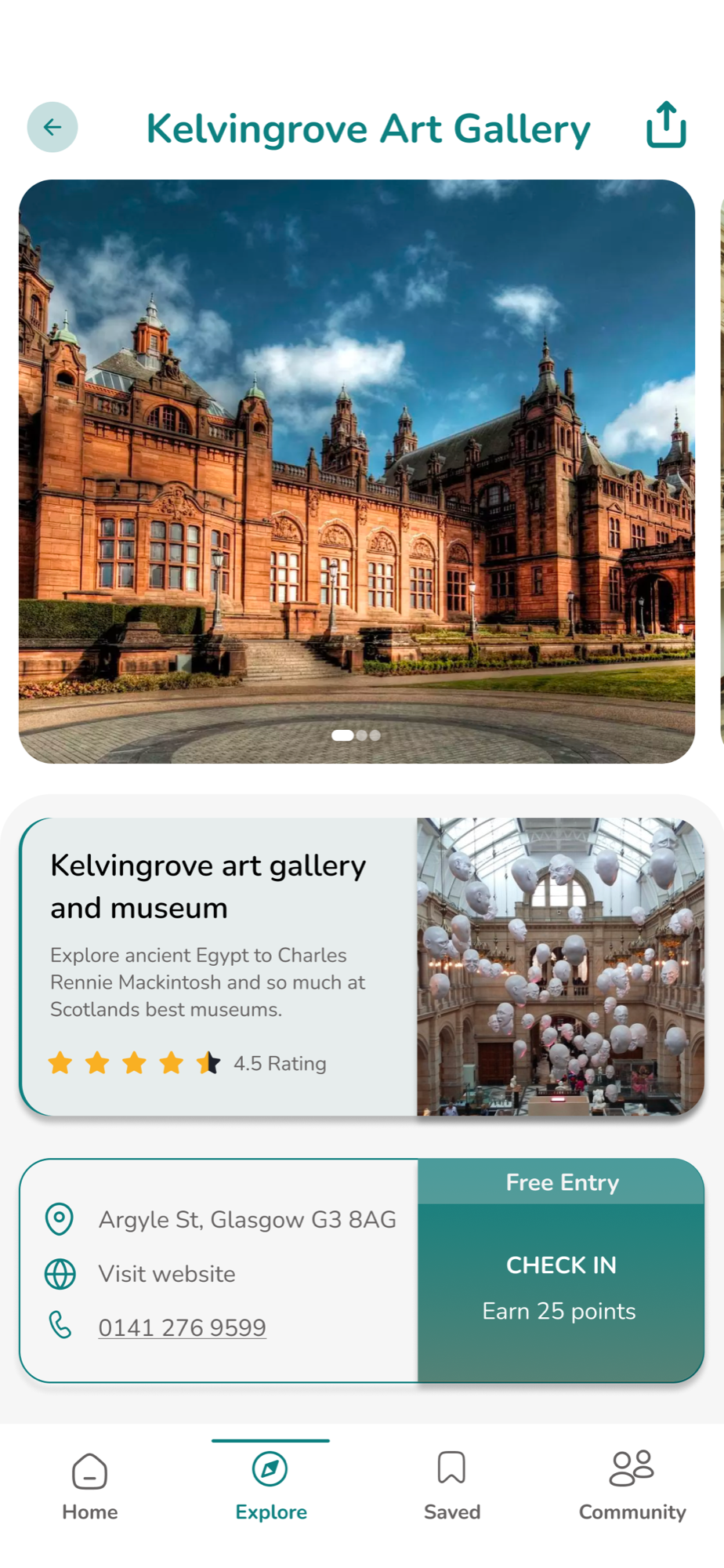
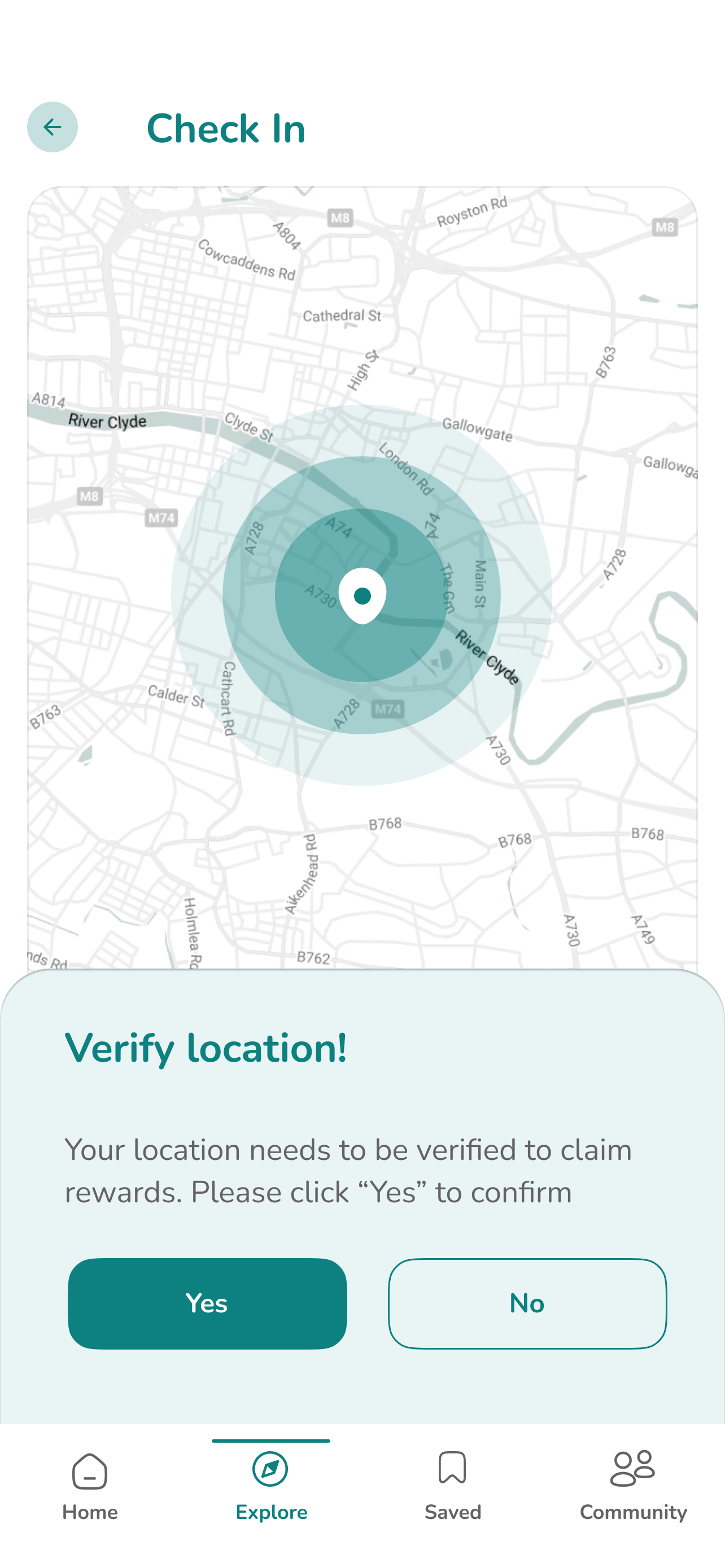
The USP earn as you explore
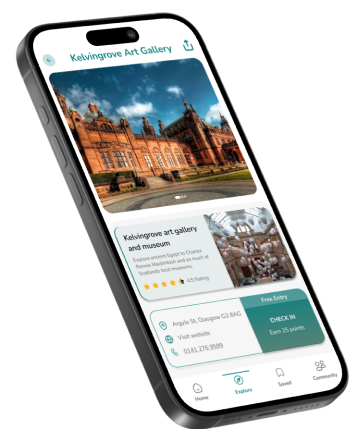
Earn points by checking in at city locations.
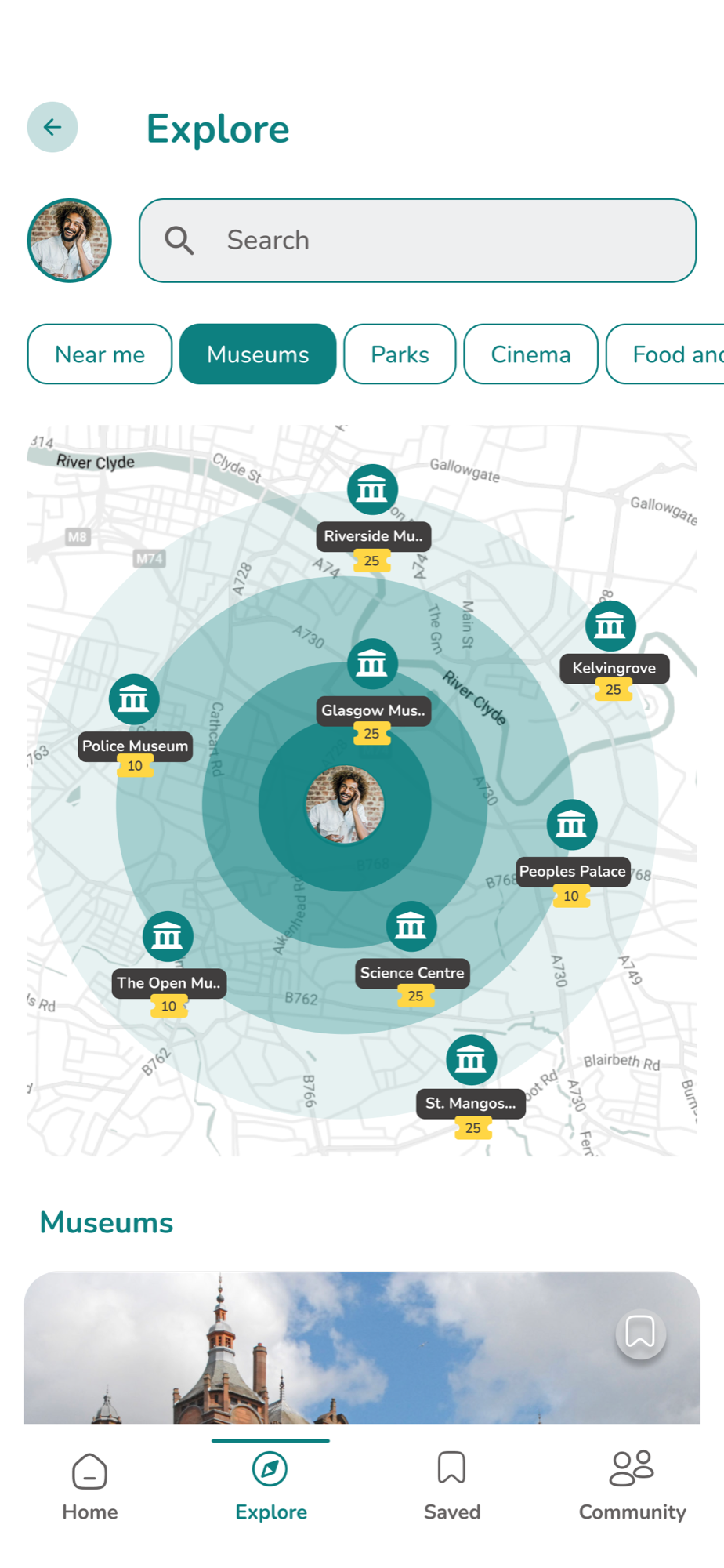
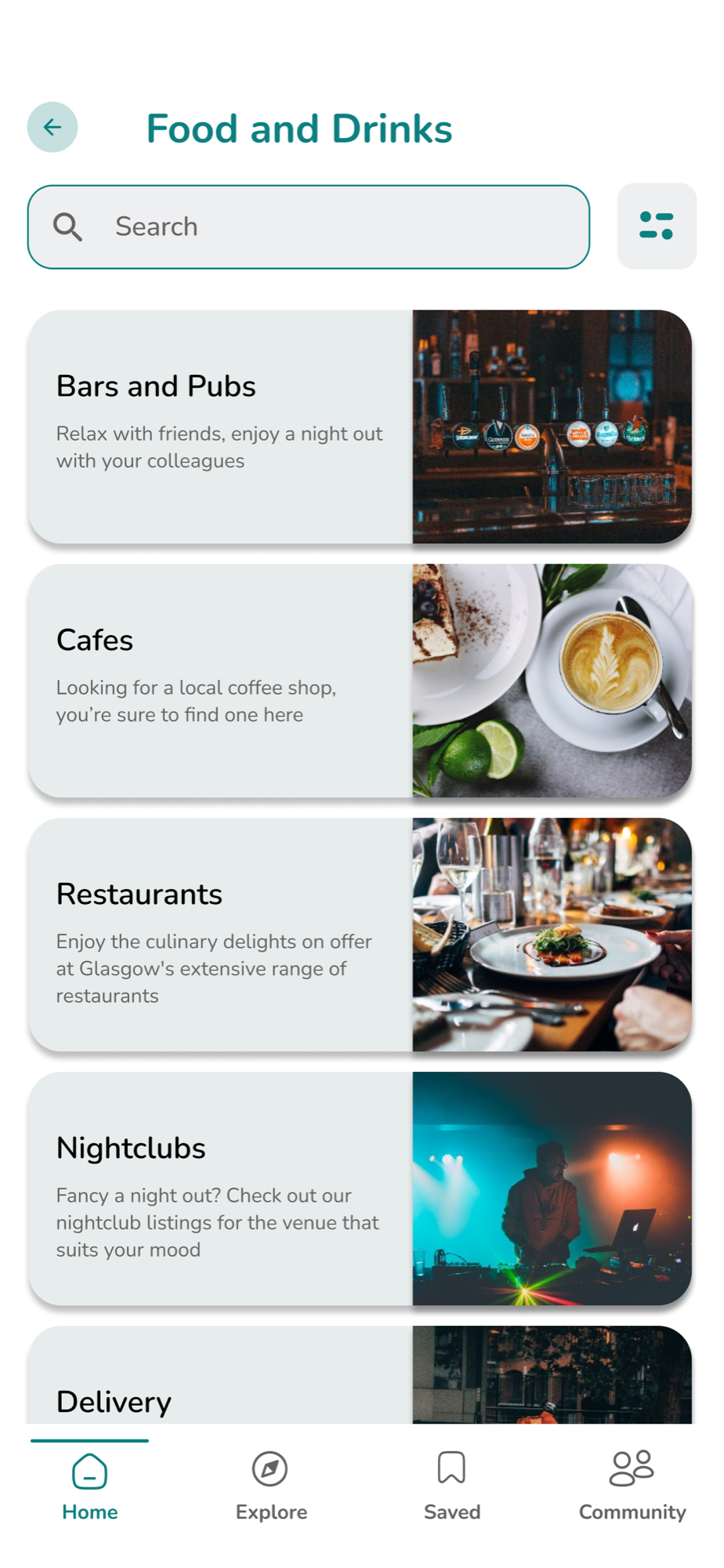
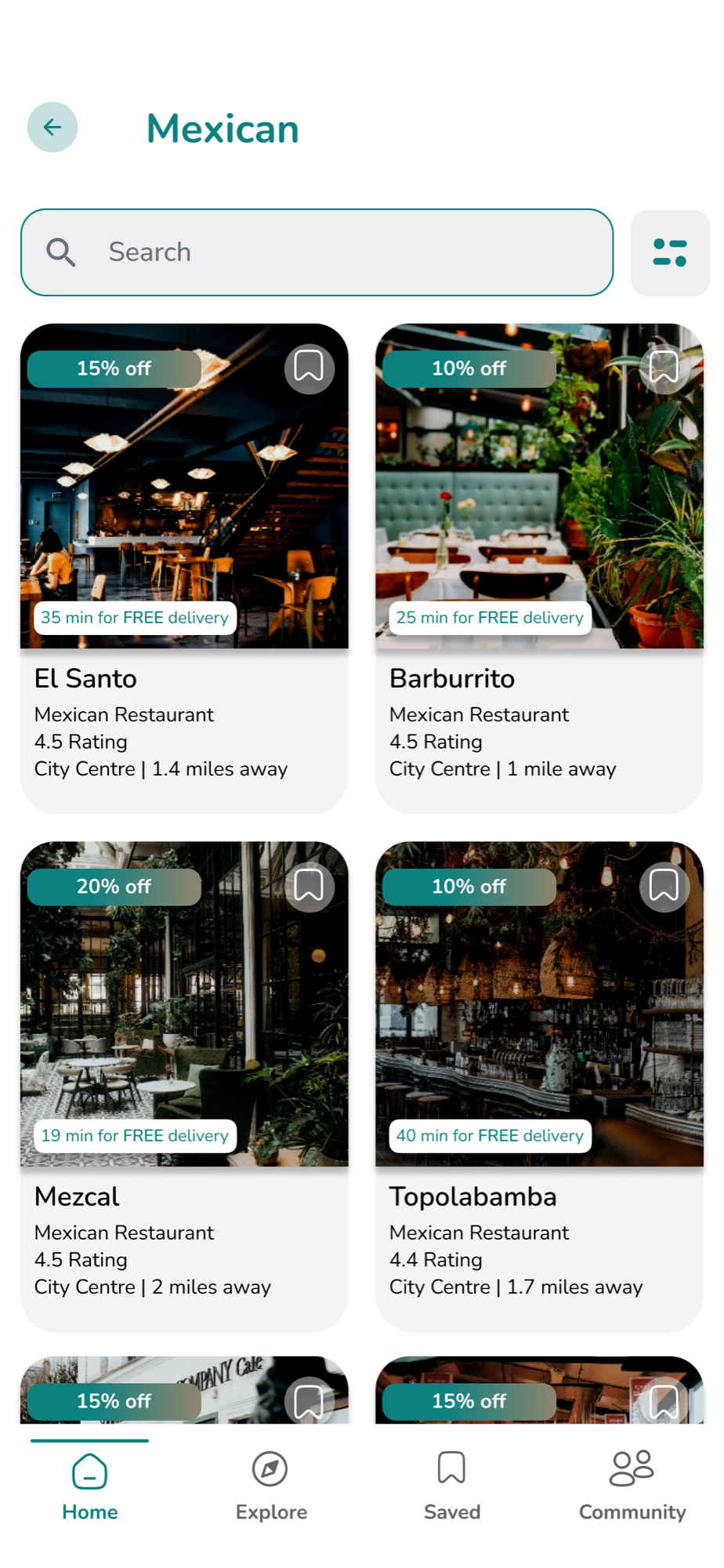
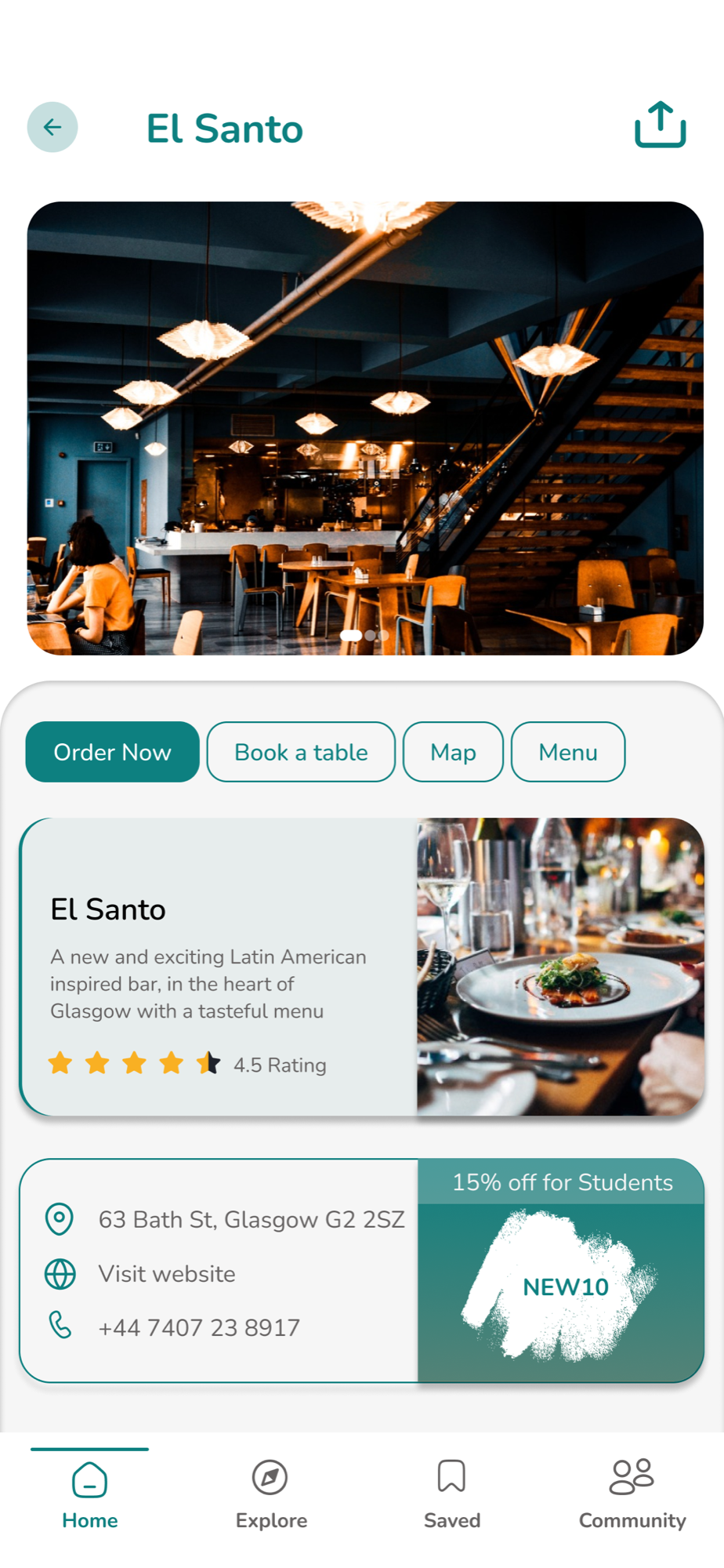
Food, places and things to do
Explore top spots, popular foods and activities.
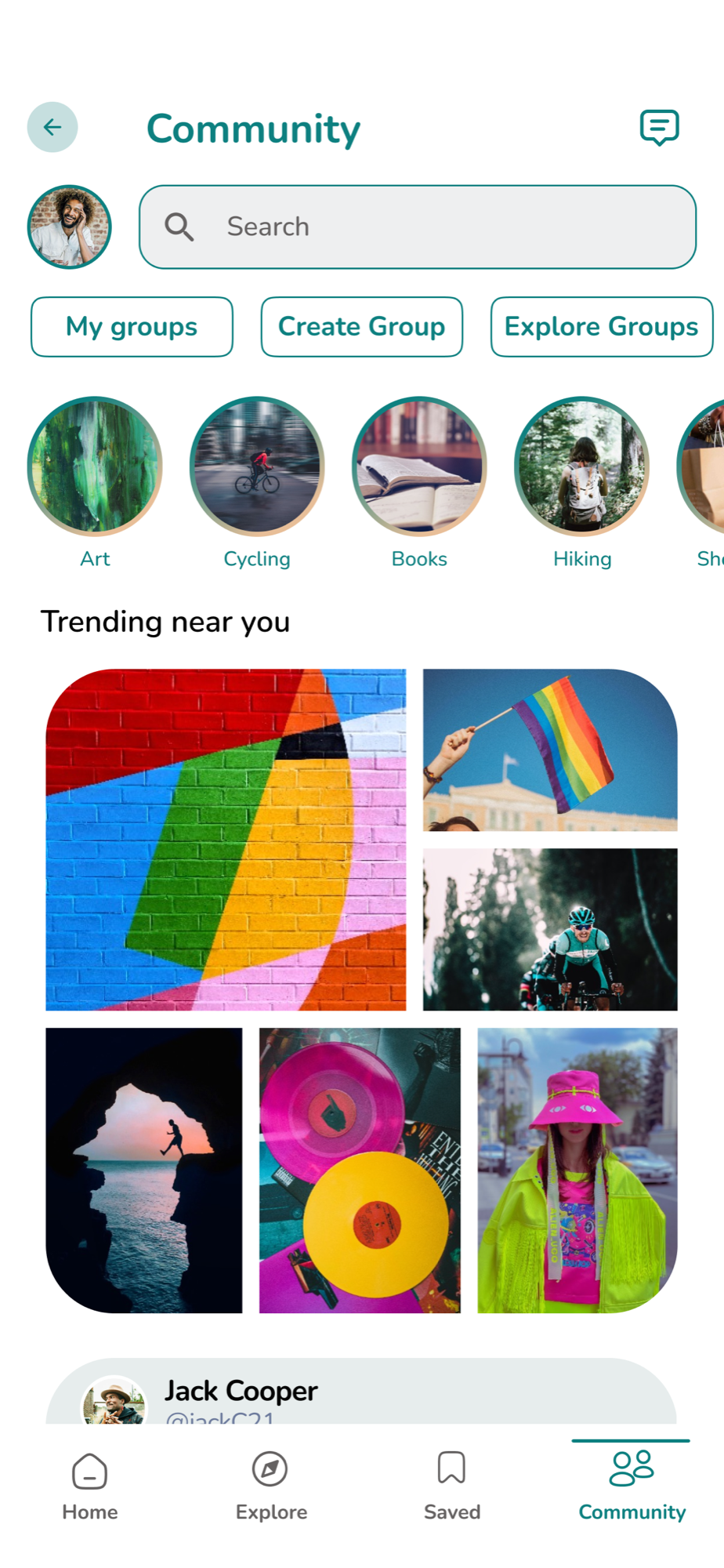
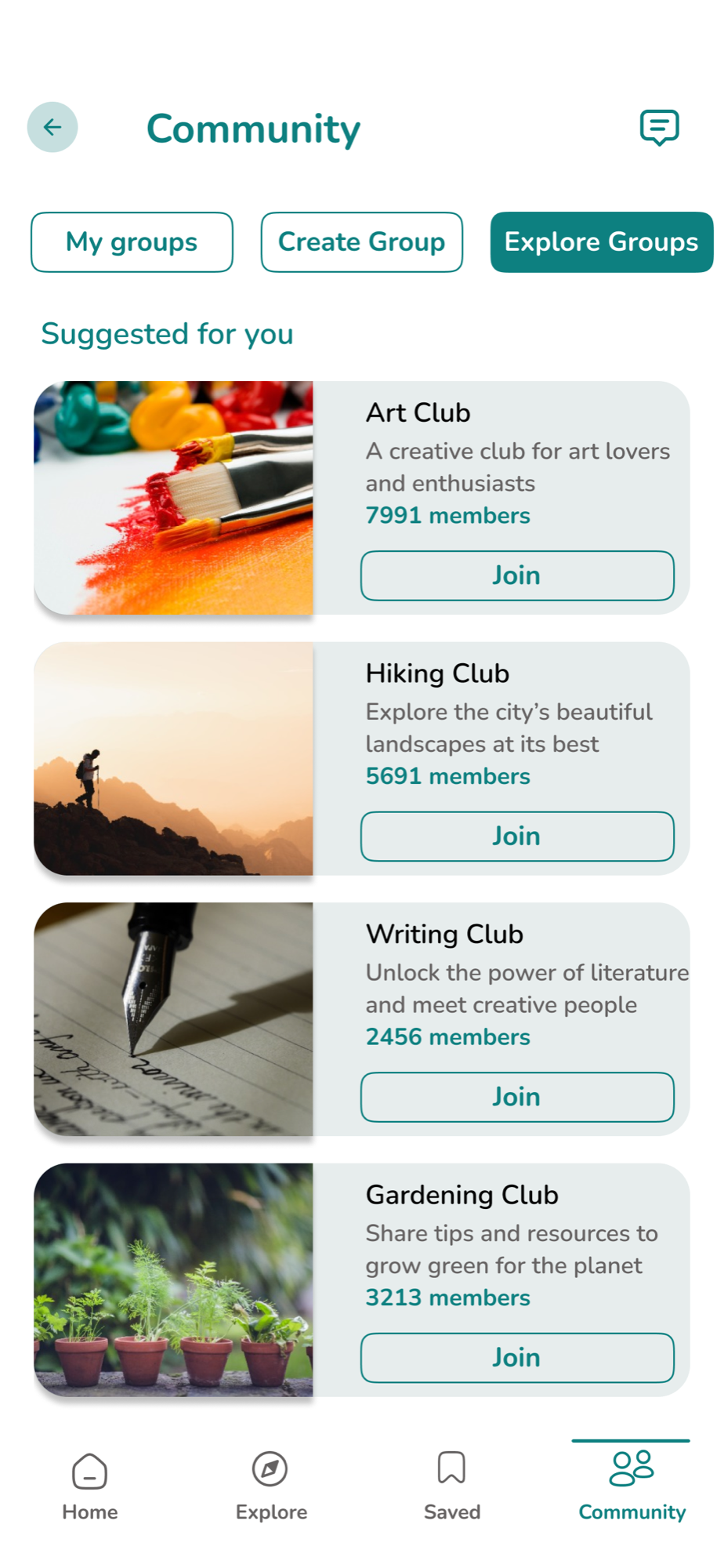
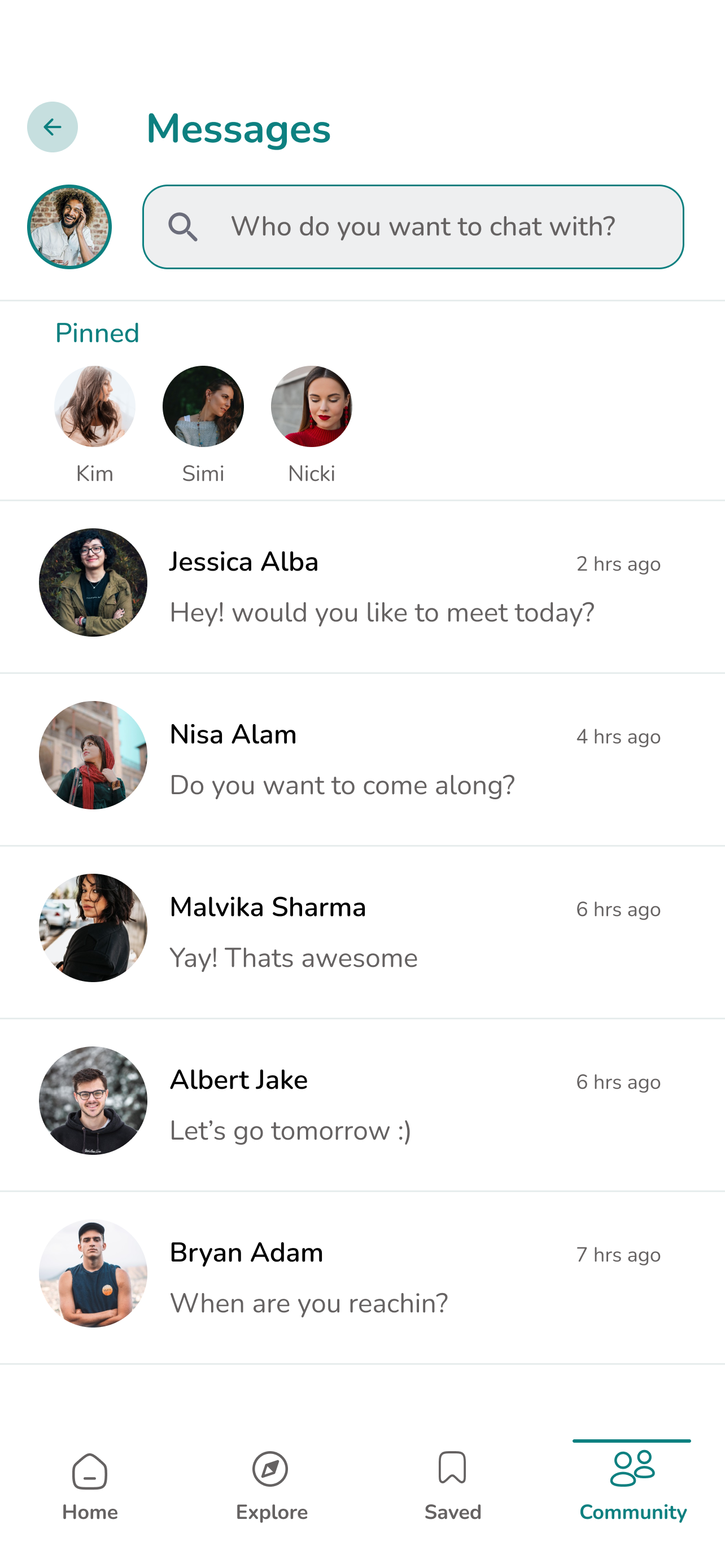
Connect, share and belong
Groups, story highlights and messaging to connect.
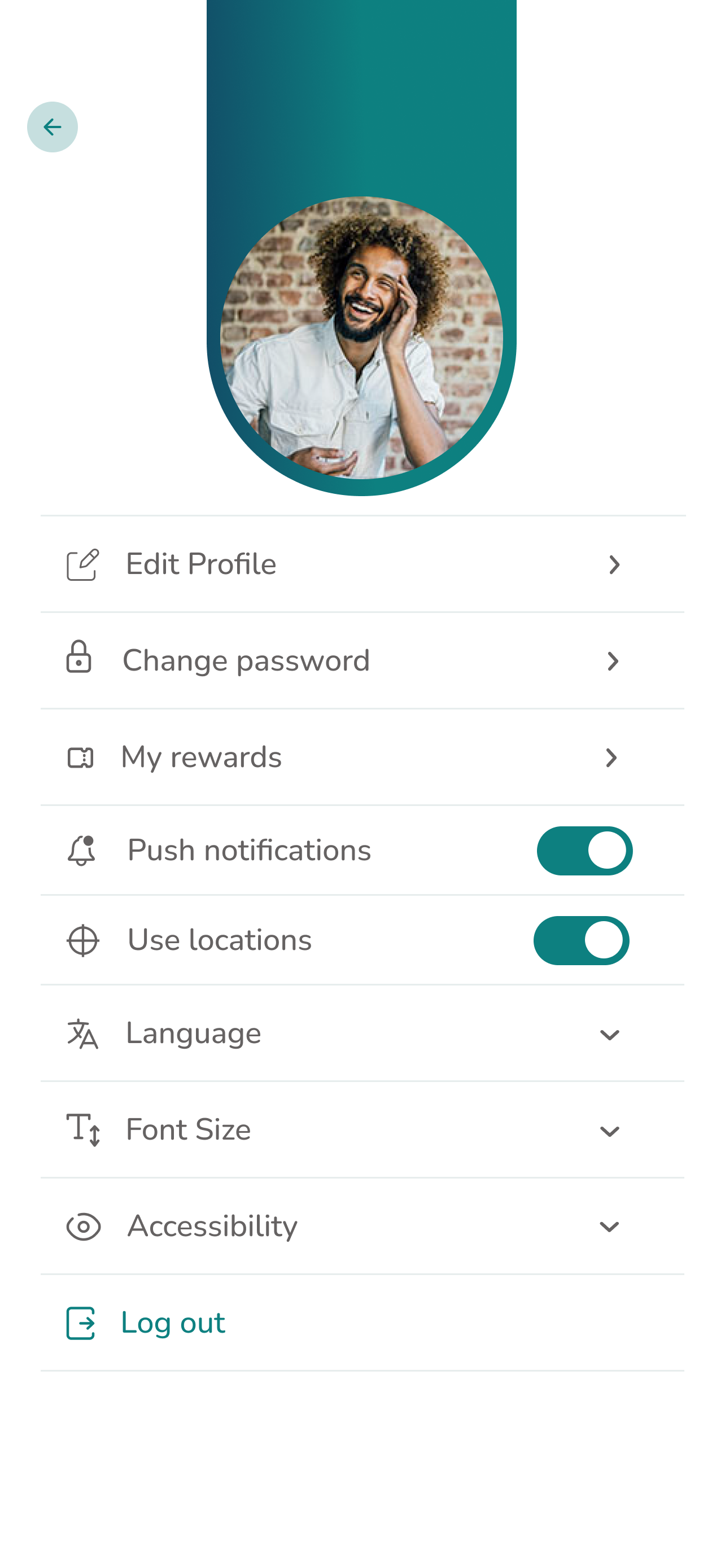
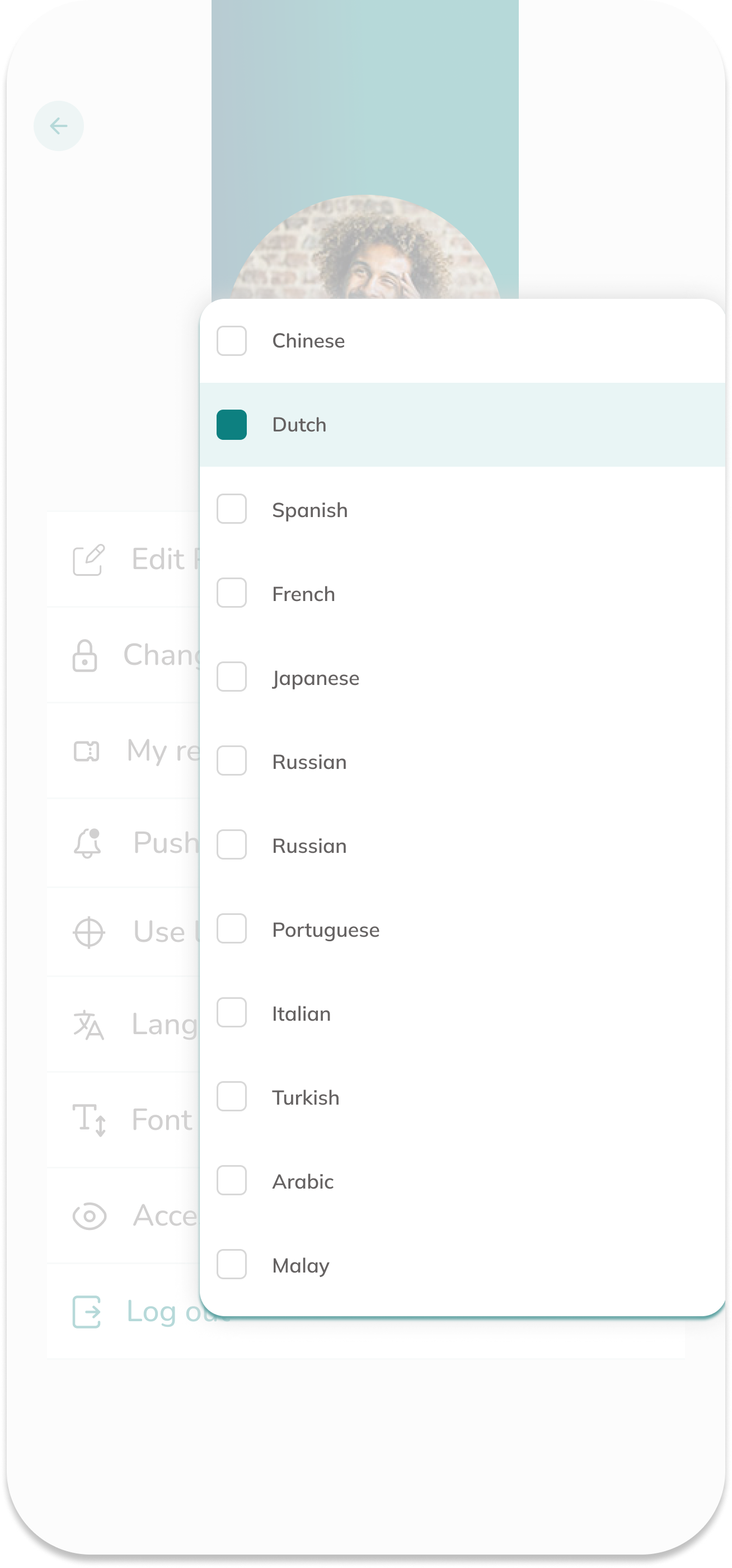
Accessible by design
Clear navigation and high-contrast visuals for everyone.